
AI Workflow Automation Guide: What businesses need to know
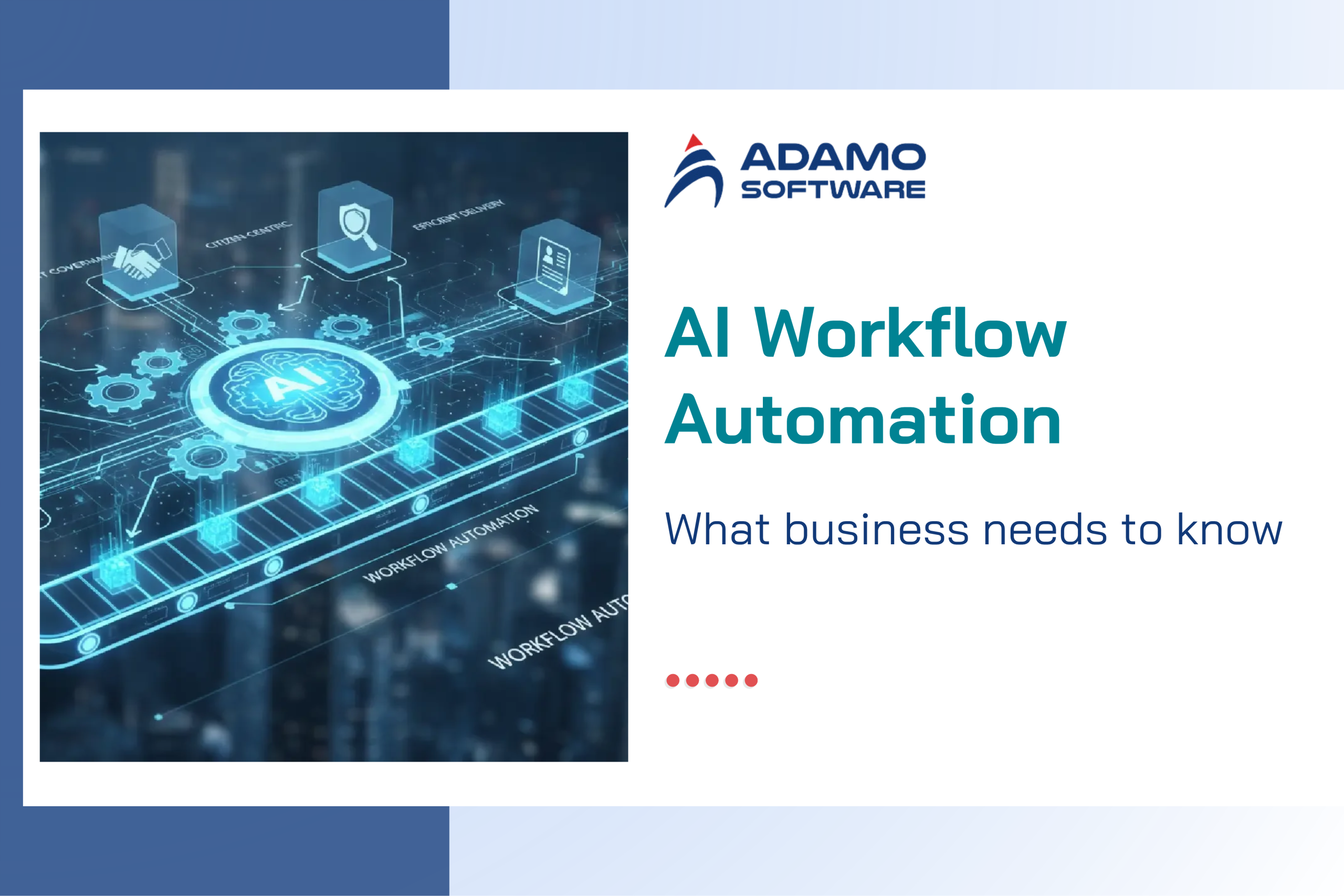
Discover how to streamline your workflow and boost operational efficiency with AI, covering how it works, use cases, and how to implement.
The modern businesses run on workflows, including sequences of tasks that move projects from the beginning to the end. These processes rely heavily on manual work, leading to many bottlenecks that slow teams down and negatively affect progress.
The AI automation market is experiencing rapid transformation as businesses increasingly deploy intelligent systems to automate tasks. The US remains the largest contributor to the AI automation market due to widespread enterprise digitalization and early adoption of advanced AI technologies.
This article will break down the steps to implement AI to streamline your workflow. What you will get:
- What is AI workflow automation and how it works in real scenarios
- What AI workflow automation can do for your businesses
- Key use cases for AI workflow automation
- How to implement AI in your workflows in 5 steps
- Challenges that businesses can face when implementing AI to streamline workflow and how to overcome them
- Adamo APAC’s AI solutions to streamline your workflow
Key takeaways
- The US remains the largest contributor to the global AI automation market thanks to widespread enteprise digitalization and early adoption of advanced AI technologies.
- AI workflow automation combines AI capabilities with workflow automation to handle complex processes with less manual effort.
- The orchestrator sits at the center of any AI workflow. It directs data, assigns tasks, and makes sure each step fits into the process.
- AI workflow automation delivers value across departments in businesses, including IT, Marketing, HR, and Finance.
What is AI workflow automation?
AI workflow automation is the use of artificial intelligence (AI) to automate a series of tasks. It combines AI capabilities with workflow automation to help businesses handle complex processes with less manual effort.
Unlike traditional automation, which follows predefined rules, AI workflow automation can use machine learning algorithms to process unstructured data. It can understand context, classify information, identify patterns, and determine the next steps based on the information it receives.
How AI workflow automation works
AI workflow automation combines AI technologies with workflow orchestration and system integrations to automate multi-step business processes. It typically works through the following steps.
Data collection and input
The system collects data from multiple sources. This data serves as the input for AI models to process and analyze.
Data processing with AI models
AI models process the collected data to extract useful information, recognize patterns, and understand user requests.
- Machine Learning (ML): Analyzes historical data to identify patterns, classify information, make predictions, and support decision-making.
- Natural Language Processing (NLP): Enables systems to understand and process human language.
- Generative AI (GenAI): Generates new content, summarizes long documents, drafts responses, and handles more complex requests that require contextual understanding.
Not every workflow needs all these technologies. The choice depends on the type of data and the tasks being automated.
Workflow orchestration and AI Agents
The orchestrator sits at the center of any AI workflow. It directs data, assigns tasks, and makes sure each step fits into the process. Multiple agents operate on a “Perceive, Think, Act” cycle (Activepieces). Each agent focuses on specific tasks.
Integration and task execution
Integration connects the dots between systems to support information flow through APIs or other integration approaches.
- Pre-built connectors allow you to integrate into system/ platform with no code.
- APIs allow deep real-time sharing and updates.
- Integration platform as a service acts as a hub for handling connections.
Monitoring and continuous improvement
The system tracks workflow performance, identifies errors, and collects feedback. Depending on the implementation, teams can use this information to adjust workflow rules, improve prompts, or retrain and update AI models.
Benefits of AI workflow automation tools
Task automation to optimize resources
Companies adopt AI workflow automation as it can solve challenges that manual processes cannot handle at scale. AI handles repetitive tasks and multi-step processes with minimal manual effort. This reduces the workload on staff and allows them to focus on higher-value responsibilities.
By reducing manual work and making better use of resources, businesses can also lower operational costs without needing to increase their workforce as demand grows.
Greater visibility into business processes
AI workflow automation helps businesses track tasks, monitor workflow progress, and identify bottlenecks. By connecting data from multiple systems, it provides a clearer view of how work moves through each stage of a process. This visibility helps managers identify inefficiencies, monitor performance, and make timely adjustments to improve operations.
Reduce downtime and delays
AI workflow automation can detect workflow issues, trigger alerts, and automatically route tasks to the right teams. It reduces delays caused by manual handoffs, missed notifications, or slow information processing.
When unexpected issues happen, automated workflows can help teams identify problems earlier and respond faster, keeping business operations running smoothly.
Reduced human errors
Manual tasks are prone to mistakes. AI workflow automation can extract, validate, and process data following predefined rules, reducing errors caused by repetitive manual work.
It can also flag missing information, inconsistent records, or unusual patterns for further review, helping businesses maintain more reliable data and processes.
Enhance data-driven decision-making
AI workflow automation collects and analyzes data to provide actionable insights. Machine learning models can identify patterns, detect anomalies, and predict potential outcomes. This enables businesses to make better-informed decisions, respond to changes, and improve their workflows.
Key use cases
AI workflow automation delivers value across departments in businesses.
IT help desk workflow
AI workflow automation streamlines IT support by automatically processing service requests, troubleshooting common issues, and routing tickets to the appropriate teams.
- NLP can understand user requests submitted through emails or chat.
- Machine learning can classify tickets by category and priority.
- The system can then suggest solutions, trigger predefined troubleshooting steps, or escalate complex issues to IT staff.
This helps reduce response times and allows IT teams to focus on more technical problems.
Marketing AI workflow
AI workflow automation helps marketing teams manage campaigns, process customer data, and personalize communications with less manual effort.
It can segment audiences based on customer behavior, automate lead nurturing, generate content drafts, and trigger follow-up messages based on user interactions. By connecting marketing platforms with CRM and analytics tools, businesses can also track campaign performance and adjust their strategies based on data.
Finance AI workflow
AI workflow automation simplifies financial operations by automating tasks such as invoice processing, expense management, transaction matching, and financial reporting. AI models can extract information from invoices, categorize expenses, identify discrepancies, and flag unusual transactions for review. The system can then route documents through approval workflows and update accounting software, helping finance teams reduce manual work and process transactions more efficiently.
Human resources AI workflow
AI workflow automation supports HR teams throughout the employee lifecycle, from recruitment to onboarding and ongoing employee support.
- Screen CVs against job requirements
- Organize candidate information
- Schedule interviews
- Process onboarding documents
- Respond to common employee questions
By automating administrative tasks and coordinating activities across HR systems, it helps reduce processing time and gives staff more time to focus on employee engagement and workforce planning.
How to implement AI in your workflow
Step 01. Identify automation opportunities
The first step is to identify business processes that can benefit from AI workflow automation. Start by reviewing daily operations to find repetitive tasks, time-consuming activities, frequent errors, and bottlenecks that slow down work.
Next, map out how each process works. Prioritize workflows based on their potential business impact, implementation complexity, and automation feasibility.
Step 02. Define goals and requirements
Define what you want to achieve through automation. Set clear objectives and measurable KPIs to evaluate success. Record baseline performance before implementation so you can compare results after deployment.
You should also define the functional and technical requirements of the solution. These include the tasks AI must perform, the systems it needs to connect with, the data it can access, security requirements, and situations that require human approval.
Step 03. Prepare data and select AI tools
Identify the data sources required for the workflow, such as databases, emails, documents, CRM platforms, or internal business applications. Next, assess data quality and prepare the information for processing. Poor-quality data can lead to inaccurate AI outputs and unreliable automated actions.
After preparing the data, select AI models and automation tools.
- Machine learning supports classification and prediction
- Natural language processing (NLP) extracts information from text and understands user requests.
- Generative AI summarizes documents, drafts responses, or handles tasks that require contextual understanding.
You may also need a workflow automation platform, APIs, and integrations with existing business systems. Choose tools based on accuracy, cost, scalability, security, and compatibility with your current technology stack. Not every workflow requires a custom AI model; existing models and automation platforms may be sufficient.
Step 04. Integrate and test the workflow
Configure how data moves between systems, define task sequences and decision rules, and specify what actions the system should take based on AI outputs.
Before launching the workflow, test it with real-world scenarios. Measure accuracy, processing speed, reliability, and error handling. Resolve identified issues and confirm that the workflow meets its requirements before moving to production.
Step 05. Deploy, monitor, and optimize
Once testing is complete, deploy the workflow in a controlled environment. You can start with a small pilot or run the automated process alongside the existing manual workflow before expanding to more teams or business functions.
After deployment, continuously monitor performance against the KPIs. Track processing time, error rates, automation rates, operating costs, and user feedback. Use these insights to improve the workflow. You may need to adjust automation rules, refine prompts, update integrations, improve data quality, or retrain models where appropriate.
Challenges
Poor data quality
AI workflow automation relies on accurate and consistent data to produce reliable results. However, business data is often scattered across systems and contains missing information, duplicate records, outdated entries, or inconsistent formats, leading to incorrect AI outputs and disrupt downstream tasks.
To address this challenge, businesses need to clean, validate, and standardize their data before implementation and establish processes to maintain data quality.
Integration
Integrating AI workflow automation with existing systems can be technically challenging. Legacy systems may lack compatible APIs, use different data formats, or have limited support for real-time data exchange. As a result, integration can require additional development, increase costs, and disrupt workflows.
Businesses should assess their current technology infrastructure, identify integration requirements, and test data flows before deployment.
Lack of skilled employees
Implementing AI workflow automation requires a combination of skills in AI, data management, workflow design, and system integration. However, businesses may lack employees with the technical expertise needed
To address this challenge, you can work with an offshore AI development company or recruiting specialists when necessary.
Data privacy and security
AI workflow automation involves processing sensitive information. Without proper safeguards, this information may be exposed through unauthorized access, insecure integrations, or inappropriate use of external AI services.
Businesses should implement access controls, data encryption, and secure data-handling practices.
Streamline your workflow with our AI solutions
Adamo Software is an AI and software development company based in Vietnam. At Adamo Software, we help businesses streamline operations and improve productivity through custom AI solutions tailored to their needs. Our team combines AI development, machine learning, and system integration to automate repetitive tasks, simplify complex workflows, and connect existing business systems.
Turning your AI demands into impressive results with Adamo Software. Talk to us.

 adamosoft.com
 (+84) 373 11 44 88